Onboarding
Hive's first-launch wizard — "Four quick steps" — appears
automatically the first time you open the app, before you've picked a
name. It's gated on your identity, not on any config file: it shows
whenever your display name is still unset (or the placeholder You)
and the hive.onboarded flag in localStorage is absent. Finishing
(or skipping) the wizard sets that flag so it won't reappear.
| Step | Captures |
|---|---|
| Identity | Display name or sign in with GitHub |
| Project folder | The workspace folder agents work in |
| Runtime | One agent (Claude Code / OpenAI-compatible / Anthropic API key / Ollama) + "let agents edit files" |
| Team | Optional relay URL + team name for sync |
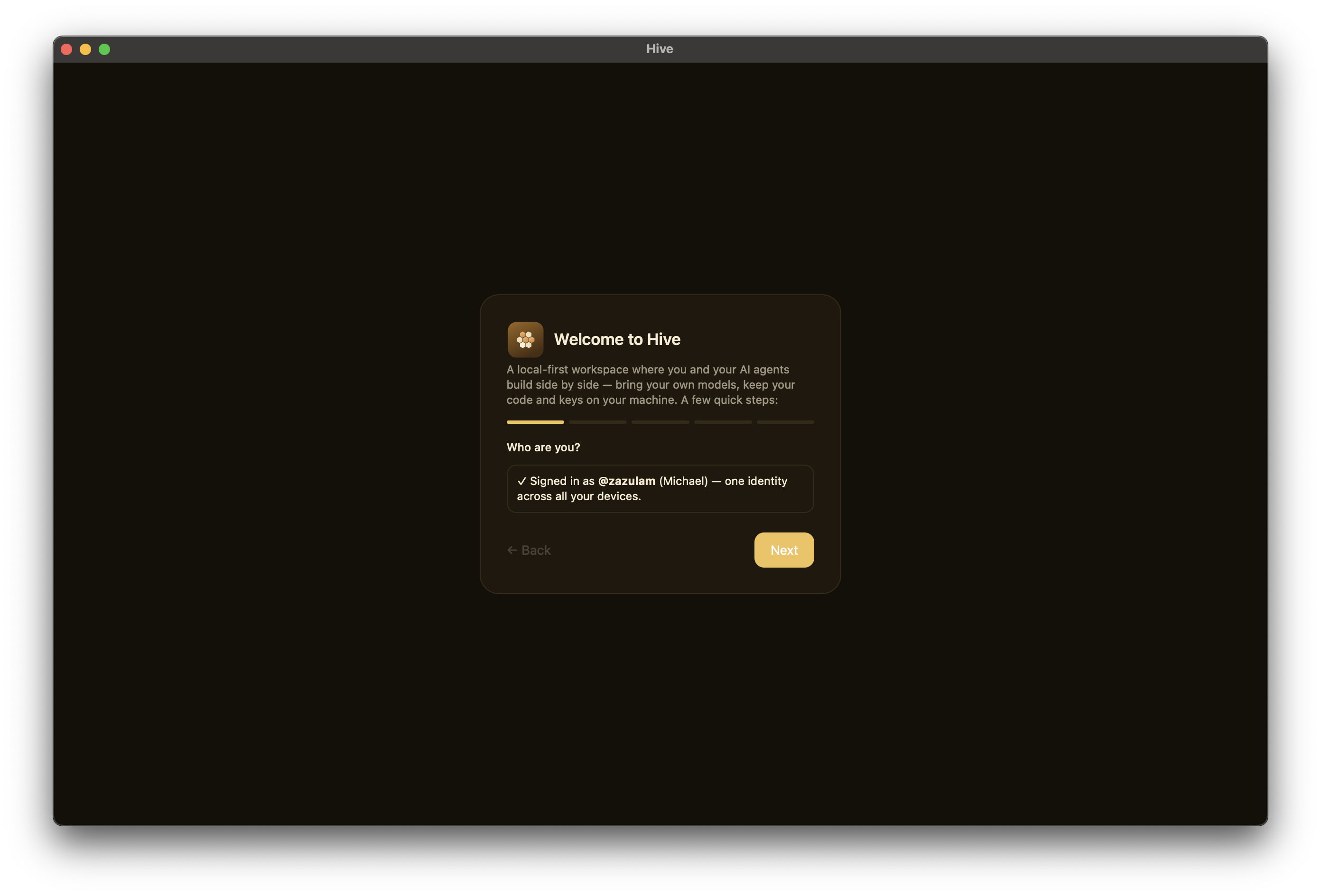
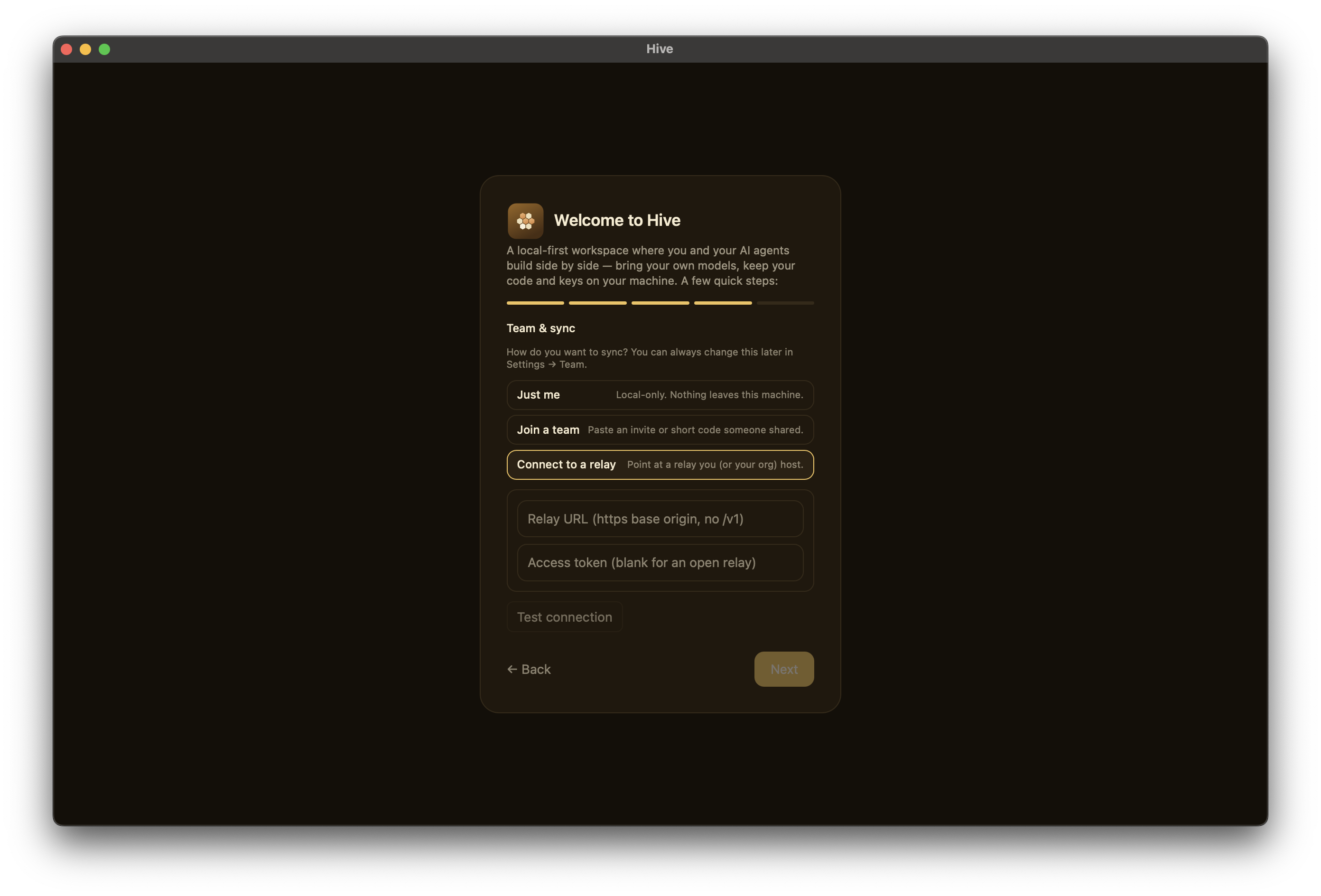
There is no separate Welcome, Permissions, or Finish/Review screen —
identity is the first thing you see, and the last step's Finish
button saves everything. The runtime picker offers Claude Code,
OpenAI-compatible (OpenAI/OpenRouter/local), an Anthropic API key, and
Ollama (shown only when a local Ollama daemon is detected); aider and
pi are configured later from Settings, not here. The "Let agents
edit files in my project" checkbox maps to Claude Code's permission
mode — checked is acceptEdits, unchecked is read-only default.
The wizard persists your settings and identity into the app data dir
(com.hive.desktop/): public account/device records as JSON, private
key seeds under keys/, and settings.json (including any API key you
paste). (Key seeds are files, not in the OS keystore — see
Identity & devices.)
Re-running onboarding
Because the wizard is gated on your identity plus the hive.onboarded
localStorage flag, it won't return just because you edit or delete a
config file. The supported way to start over is Settings → Account →
Danger zone → "Reset local data", which wipes this device's chats,
identity, keys, settings, and workspaces and relaunches Hive fresh into
the wizard.
Headless / pre-seeded config
You can pre-populate runtimes and transport by shipping a
hive.config.toml in your workspace root; the Settings UI is a GUI
over the same fields. Note this does not skip the wizard on its
own — onboarding still runs until an identity (display name) exists.
Minimum viable config:
[app]
name = "Hive"
local_mode = true
sync_mode = "local"
default_runtime = "anthropic"
default_model = "claude-sonnet-4-5"

[transport]
kind = "local"

[sync]
enabled = false
server = ""
device_name = "my-mac"
end_to_end_encryption = true

[retrieval]
mode = "manual"
top_k = 8
chunk_size = 1200
keyword_weight = 0.35
semantic_weight = 0.65
recency_bias = false

[[runtimes]]
id = "anthropic"
name = "Anthropic"
provider = "anthropic"
kind = "remote"
endpoint = "https://api.anthropic.com"
preferred_model = "claude-sonnet-4-5"
supports_tools = true

[chat_defaults]
permission_preset = "default"
retrieval_mode = "manual"
show_context_panel = true
show_activity_panel = true
See the Configuration reference for the full schema.